Advanced Google Scholar Search: Research Smarter

- 1.
Unlocking the Hidden Levers: Can You Really Do an Advanced Search on Google Scholar?
- 2.
Becoming a “Google Scholar”? Spoiler: It’s Not What You Think
- 3.
Is There Anything Better Than Google Scholar? Let’s Weigh the Contenders
- 4.
Full Text or Full Bluff? Can You Actually Access Complete Articles via Google Scholar?
- 5.
Mastering Boolean Sorcery: Crafting Killer Queries for Advanced Google Scholar Search
- 6.
From Citation Chaos to Clarity: Tracking Academic Influence Like a Pro
- 7.
The Dark Corners: Limitations and Quirks of Google Scholar You Should Know
- 8.
Real-World Wins: How Researchers Use Advanced Google Scholar Search Daily
- 9.
Building Your Own Knowledge Empire: Profiles, Alerts, and Personal Libraries
- 10.
Your Toolkit Grows: Where to Go From Here
Table of Contents
advanced google scholar search
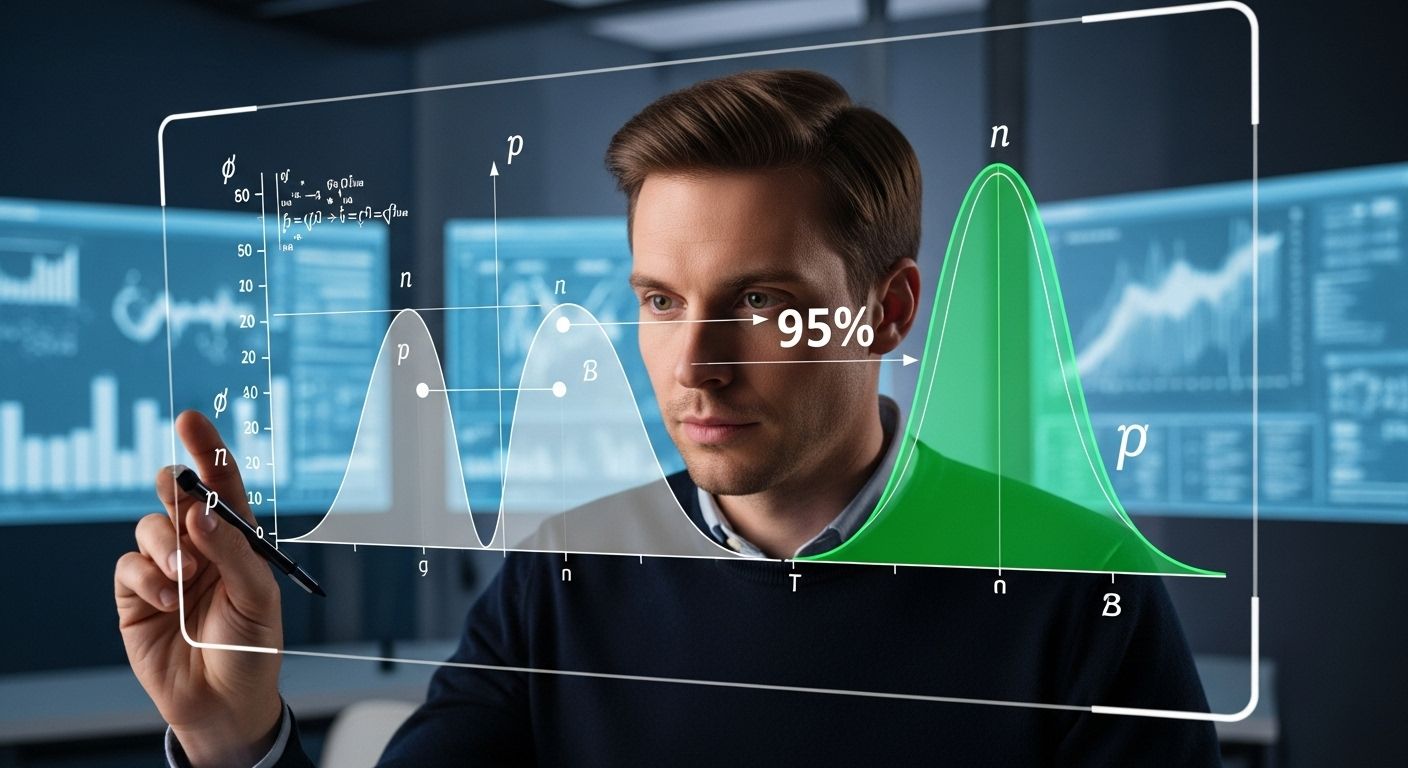
Ever typed “how to find actual decent papers without clicking through 47 sketchy PDFs” into Google at 3 a.m.? Yeah, we’ve all been there. But what if we told you there’s a secret backdoor to academic gold—no, not that dodgy Sci-Hub tab you’ve got open—and it’s called advanced google scholar search? Forget trawling through endless citations like a lost undergrad in a library basement. With the right tricks, you can turn Google Scholar from a dusty archive into your personal research butler. Fancy that?
Unlocking the Hidden Levers: Can You Really Do an Advanced Search on Google Scholar?
Absolutely, mate—you just gotta know where to prod. Most folks don’t realise that Google Scholar isn’t just a basic keyword dump; it’s got a whole suite of advanced google scholar search filters tucked away like a librarian’s secret stash. Head to scholar.google.com, click the three-line menu (or “hamburger,” as the Yanks call it), and boom—there’s “Advanced Search.” From there, you can narrow by author, publication, date range, even specific phrases. Want only papers citing Watson & Crick’s 1953 DNA paper? Sorted. Need everything published by Prof. A. N. Other between 2018–2022? Done. It’s not magic—it’s just proper advanced google scholar search hygiene.
Becoming a “Google Scholar”? Spoiler: It’s Not What You Think
Hold up—before you start polishing your CV for “Google Scholar™ status,” let’s clear this up. You don’t *become* a Google Scholar like you’d become a knight or a TikTok influencer. The term “Google Scholar” refers to the platform itself, not a title you earn. However, if you’re asking how to get your work *indexed* in Google Scholar—or even listed as a verified profile—that’s doable. Publish in reputable journals, ensure your institutional email is linked, and claim your profile via Google Scholar Citations. Once live, your h-index, citation counts, and co-authors pop up like a digital CV. But remember: the real goal isn’t vanity metrics—it’s contributing to knowledge. And yeah, mastering advanced google scholar search helps you see who’s actually citing you (and whether they butchered your methodology).
Is There Anything Better Than Google Scholar? Let’s Weigh the Contenders
Google Scholar’s brilliant—but it ain’t flawless. Sometimes you need more precision, better metadata, or discipline-specific depth. Enter Scopus and Web of Science: the posh cousins with stricter indexing and fancier analytics. They’re subscription-based (often via uni libraries), but their citation tracking is tighter, and their journal quality filters are less… chaotic. Then there’s Semantic Scholar—AI-powered, free, and great at mapping concept links across papers. For open-access zealots, CORE aggregates millions of OA articles with solid search logic. Still, for sheer speed, breadth, and zero cost? Nothing beats advanced google scholar search for everyday academic sleuthing. As one PhD student put it: “Scopus is my Sunday best. Google Scholar’s my comfy hoodie.”
Full Text or Full Bluff? Can You Actually Access Complete Articles via Google Scholar?
Here’s the tea: Google Scholar shows you *links* to full texts—but whether you can read them depends on your access privileges. If your uni subscribes to Elsevier or Springer, those [PDF] links magically work. No institutional login? You’ll hit paywalls faster than you can say “impact factor.” But don’t despair! Look for “[HTML]” versions, institutional repositories (like university research portals), or the author’s personal Academia.edu page. Many researchers upload preprints freely. Pro tip: install Unpaywall—a browser extension that hunts legal open-access copies in real time. So yes, with clever use of advanced google scholar search plus a few ethical hacks, you *can* often snag the full paper—no shady torrents required.
Mastering Boolean Sorcery: Crafting Killer Queries for Advanced Google Scholar Search
Right, let’s geek out properly. The real power of advanced google scholar search lies in Boolean logic. Wrap phrases in quotes for exact matches: "machine learning in clinical diagnostics". Use author: to target specific researchers: author:"J Smith" "cancer biomarkers". Exclude noise with minus signs: "neural networks" -"deep learning". Want only recent breakthroughs? Pair date filters with terms like "novel" OR "first-in-human". Here’s a nifty table to keep handy:
| Operator | Function | Example |
|---|---|---|
" " | Exact phrase | "CRISPR-Cas9 therapy" |
author: | Filter by author | author:"R Franklin" |
site: | Limited to domain | site:.ac.uk "genomics" |
- | Exclude term | "vaccine" -"COVID" |
Play around—soon you’ll be pulling up niche studies like it’s second nature. And remember: typos happen (we once searched “advanved” for twenty minutes—don’t ask).

From Citation Chaos to Clarity: Tracking Academic Influence Like a Pro
One of the juiciest perks of advanced google scholar search is its “Cited by” feature. Found a seminal 2010 paper? Click “Cited by” to see who’s built on it since—including retractions, critiques, or game-changing extensions. This isn’t just ego-stroking; it’s scholarly genealogy. You can trace how an idea evolved from a lab in Edinburgh to a clinical trial in Melbourne. Plus, setting up alerts means you’ll get emails when new papers cite your fave study. It’s like academic Twitter, but with fewer hot takes and more p-values.
The Dark Corners: Limitations and Quirks of Google Scholar You Should Know
Let’s not pretend it’s perfect. Google Scholar’s algorithm is opaque—sometimes it indexes predatory journals alongside Nature. It struggles with non-English papers unless they’ve got English metadata. And duplicate entries? Oh, they’re everywhere. One paper might appear under three different URLs, muddying citation counts. Also, grey literature (theses, conference abstracts) gets mixed in with peer-reviewed work, which can confuse newcomers. That’s why savvy researchers cross-check with library databases. Still, for a free tool? Its flaws are forgivable—especially when you wield advanced google scholar search like a seasoned academic ninja.
Real-World Wins: How Researchers Use Advanced Google Scholar Search Daily
Take Dr. Elena Ruiz, a public health researcher in Glasgow: “I use advanced google scholar search every morning to scan for new meta-analyses on vaccine hesitancy—filtered by the last 6 months and UK institutions.” Or Ben Carter, a law PhD candidate: “I track interdisciplinary citations—how medical ethics papers reference legal frameworks—using author + keyword combos.” Even undergrads nail dissertations faster by limiting results to “review” articles or specific journals. The pattern? Precision beats volume. And with advanced google scholar search, you’re not drowning in data—you’re fishing with a harpoon.
Building Your Own Knowledge Empire: Profiles, Alerts, and Personal Libraries
Go beyond searching—start curating. Create a Google Scholar profile to showcase your publications (yes, even that third-author conference paper). Set up email alerts for new papers matching your advanced google scholar search strings. Save articles to your “My Library” for offline reading. Sync with Zotero or Mendeley for seamless referencing. It’s like having a personalised academic RSS feed that never sleeps. And when grant reviewers ask, “What’s your scholarly footprint?”—you’ve got receipts.
Your Toolkit Grows: Where to Go From Here
Ready to level up? Bookmark the official Google Scholar help page—it’s surprisingly useful. Join forums like ResearchGate to swap search hacks. And never underestimate old-school library workshops; many unis still run killer sessions on database mastery. While you’re at it, swing by the Jennifer M Jones homepage for more no-nonsense guides. Dive into our Roles section for career insights shaped by deep research. Or explore practical pathways in Legal Internships for Undergraduates: Top Opportunities. Because knowledge isn’t just power—it’s your next big move.
Frequently Asked Questions
Can I do an advanced search on Google Scholar?
Yes, absolutely. Google Scholar offers an advanced google scholar search interface accessible via the menu icon. You can filter by author, publication, date range, and exact phrases to refine your academic queries with surgical precision.
How to become a Google Scholar?
You don’t “become” a Google Scholar—it’s a research platform, not a title. However, you can create a Google Scholar profile to display your publications and citation metrics, making your work discoverable through advanced google scholar search features.
Which is better than Google Scholar?
While Google Scholar excels in accessibility and breadth, alternatives like Scopus, Web of Science, and Semantic Scholar offer stricter indexing and deeper analytics. Yet for most users, nothing matches the ease and power of advanced google scholar search for daily research needs.
Can I access full articles through Google Scholar?
Sometimes. Google Scholar links to full-text articles when available through your institution, open-access repositories, or publisher sites. Using advanced google scholar search combined with tools like Unpaywall often reveals legal, free versions of paywalled papers.
References
- https://scholar.google.com/intl/en/scholar/help.html
- https://www.nature.com/articles/d41586-022-01207-1
- https://libraryguides.usc.edu/scholarly/advanced-google-scholar
- https://www.scopus.com
- https://www.webofscience.com
- https://www.semanticscholar.org
- https://core.ac.uk
- https://unpaywall.org
- https://www.researchgate.net
- https://libguides.mit.edu/googlescholar